
Ad
Join Binance today and start trading!
One of the world’s largest crypto platforms, offering low fees and a wide selection of coins to trade.
BTC Live Price (USDT)
Day 2 – Setting Up Your Trading Account (Without Getting Scammed)
So, you’ve made it past Day 1. Congrats — you officially know more than 90% of people who “trade” because they saw a TikTok about it.
Now it’s time to actually get your hands dirty: choosing a broker, creating your account, and protecting it like your future depends on it (spoiler: it kinda does).
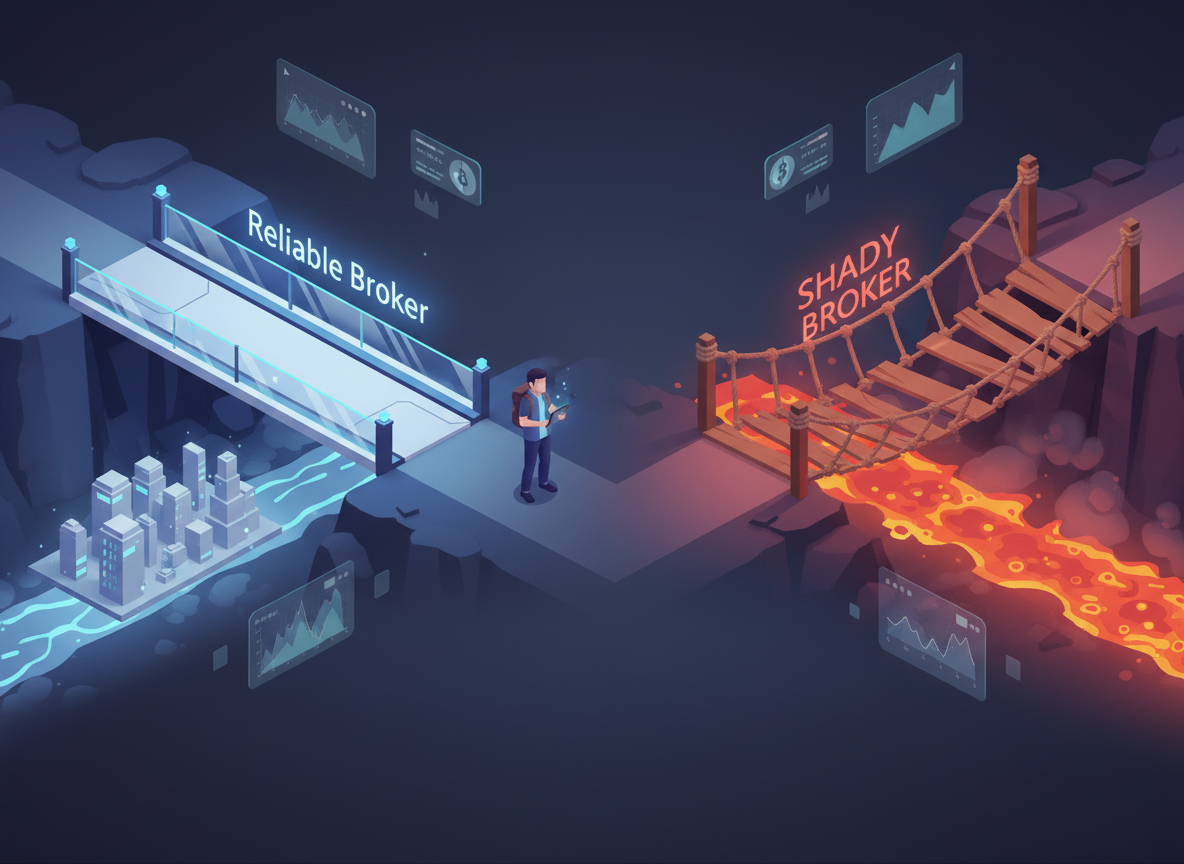
Why the Broker You Choose Matters
Think of a broker as your bridge to the market.
Some bridges are solid, others are held together with tape and hope.
A good broker will give you:
- Transparent fees
- A stable platform (no “server down” during major crashes)
- Decent customer support
- Proper security
A bad one will give you stress, hidden fees, and a good story to tell about how you “almost made it.”
What Kind of Account Do You Actually Need?
Most platforms offer different “flavors” of trading accounts:
- Spot Account – You’re buying and selling the real asset (like Bitcoin).
Simple, less risky. - Futures Account – You trade contracts, not coins.
Allows leverage (borrowing money to multiply results), which is a double-edged sword — imagine caffeine for profits and losses. - Margin / Isolated / Cross Accounts – Fancy terms that decide how your money is shared between trades.
Isolated: each trade is its own island.
Cross: all your trades share one pool — if one sinks, it might drag the others with it.
You’ll start with a spot account. It’s calm water before the storm.
How to Create Your Account (Without a Headache)
- Choose a well-known exchange — Binance, OKX, Bybit, Kraken, Coinbase, etc.
- Avoid shady “new” platforms offering absurd bonuses.
- Avoid shady “new” platforms offering absurd bonuses.
- Complete KYC (identity verification) — boring but necessary.
- Use real info, avoid VPNs during registration.
- Use real info, avoid VPNs during registration.
- Set up 2FA (Two-Factor Authentication) — this is your digital seatbelt.
- Google Authenticator > SMS (trust me, SIM swaps are real).
- Google Authenticator > SMS (trust me, SIM swaps are real).
- Create a strong password — at least 12 characters, no pet names or birthdays.
Once you’re done, your account is technically ready — but don’t trade yet. There’s more to secure.
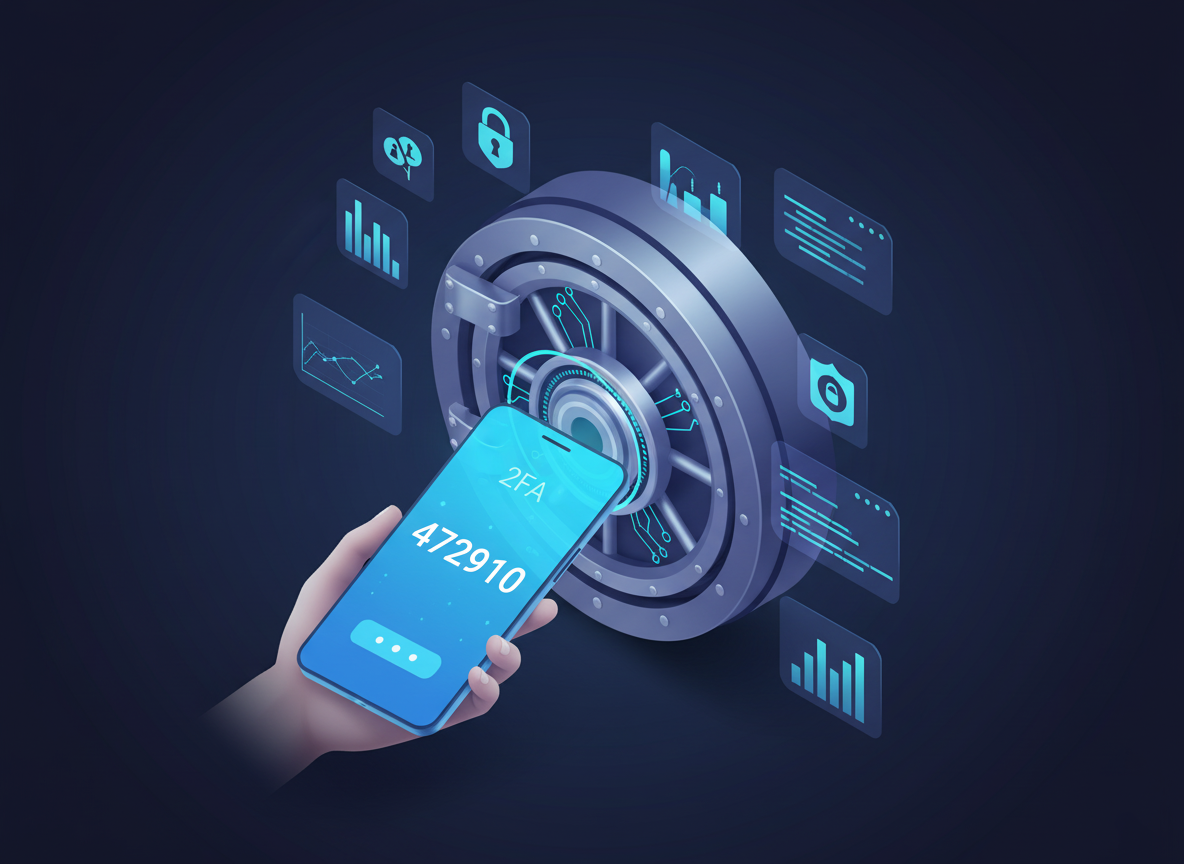
Security: Your Shield Against the Internet Jungle
You wouldn’t leave your wallet on a park bench, right?
Well, people do that digitally all the time. Here’s how not to:
- Never click random Telegram or Discord links.
- Bookmark your exchange URL and use it — no “googling Binance login” (fake sites are everywhere).
- Don’t share screenshots of your balance.
- Use withdrawal whitelist (so only your wallets can receive funds).
- Avoid trading on public Wi-Fi — free coffee isn’t worth getting hacked.
Think of your trading account as a small business — protect it like one
Bonus: Wallets, Because You’ll Hear About Them Soon
There are two main kinds:
- Hot Wallets (connected to the internet) – convenient, but riskier.
- Cold Wallets (offline) – safer for long-term storage.
Rule of thumb: Trade with a hot wallet, store with a cold one.
Your Mission Today
Set up your account, secure it, and just explore the interface.
Click around, understand where everything is — charts, order buttons, deposit tab.
Do not place a trade yet.
You’re learning to use the weapon before firing it.
Tomorrow, we’ll jump into reading charts and using simple indicators — the fun part where graphs start making sense and random lines actually mean something.
Next: How to Read Charts Without Having a Meltdown